

An all in one business management dashboard for freelancers is a unified digital workspace that consolidates invoicing, expense monitoring, time tracking, and client cash flow into a single screen. Instead of paying for multiple disconnected subscriptions, independent pros use a centralized platform to cut administrative overhead, accelerate invoice payouts, and see net earnings instantly.
By automating manual data entry and replacing scattered spreadsheets, a dedicated dashboard lets solopreneurs reclaim 5 to 10 billable hours every single week.
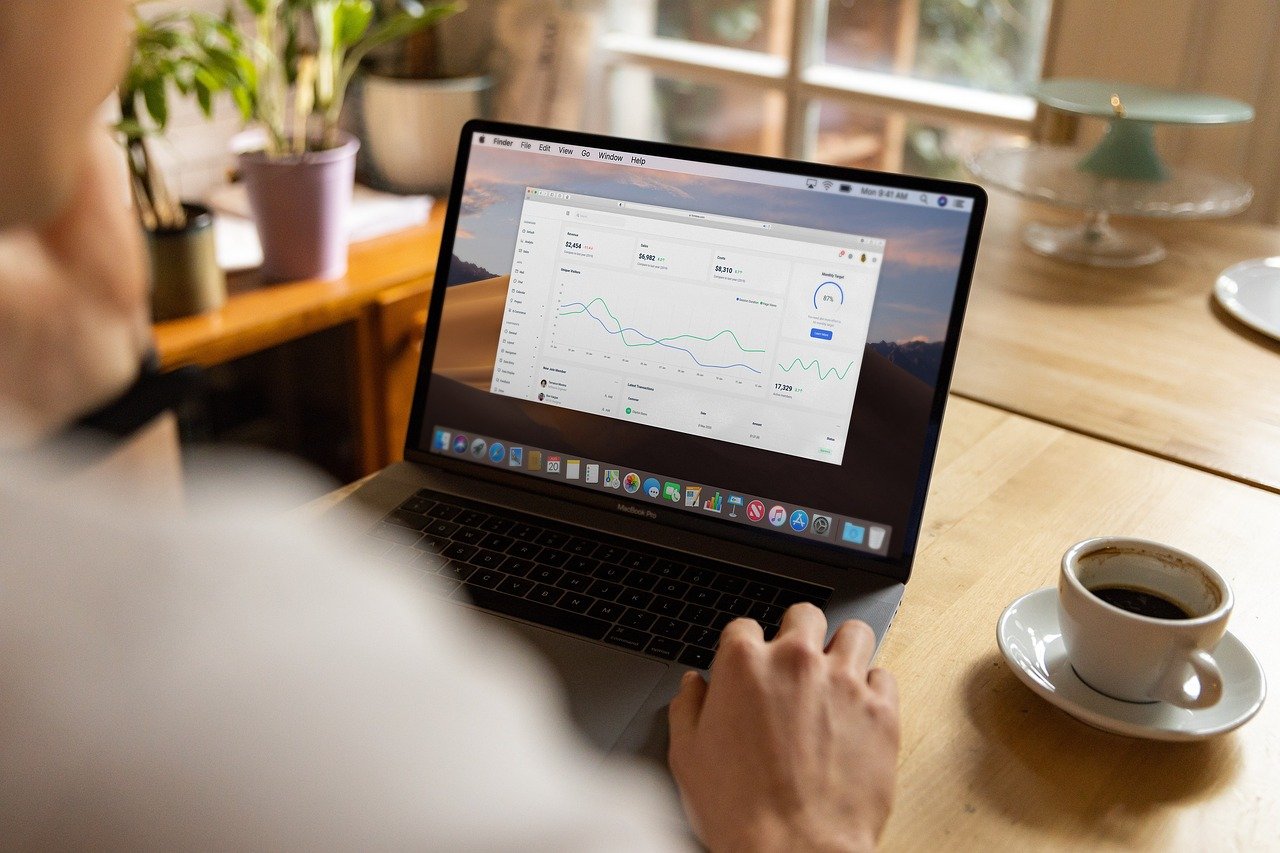
The Hidden Cost of SaaS App Sprawl for Solo Operators
Running a freelance business across separate web apps drains your focus and shrinks your take-home profits. When your billing lives in one tool, your billable timer in another, and your receipt photos in your mobile camera roll, things fall through the cracks.
Juggling disconnected software hurts your bottom line in three distinct ways:
- Subscription Bleed: Paying $15 for time tracking, $25 for accounting software, and $10 for cloud receipt storage quickly adds up to hundreds of dollars wasted each year.
- Double Data Entry: Copying tracked project hours into separate invoice software wastes valuable energy and introduces costly calculation errors.
- Blind Cash Flow: Spreading numbers across apps makes it impossible to know your real-time tax liabilities or upcoming revenue gaps.
Adopting an all in one business management dashboard for freelancers brings operational clarity by centralizing every financial touchpoint inside one lightweight interface.
Essential Features of an Effective Freelancer Management Hub
A high-performing dashboard should never feel like bloated corporate enterprise software. It needs to provide swift, actionable utility designed specifically around the daily routines of self-employed creators, developers, and consultants.
Instant Professional Invoicing and Payments
Your dashboard must generate branded, customizable invoices in seconds rather than minutes. Look for platforms that support digital payment links and direct messaging options so clients can settle balances immediately from any device.
Automated Expense Capture and AI Receipt Scanning
Paper receipts and messy email confirmations shouldn’t wait until tax season. Integrated receipt scanning software extracts vendor data, dates, and line items automatically, eliminating manual entry and securing your deductions.
Integrated Time and Task Tracking
Connecting your active projects directly to your ledger changes the game. When you finish logged hours, you should be able to track billable hours and convert to invoice easily with a single click, completely eliminating unbilled client work.

How Smart Dashboards Speed Up Client Payments
Cash flow delays are the top stressor for solo service providers. A modern business dashboard acts as your digital account manager, keeping revenue flowing without uncomfortable email exchanges.
Automated payment infrastructure speeds up receivables through structured tools:
- One-Click Payment Rails: Giving clients immediate payment gateways like credit card, bank transfer, or mobile links removes friction and gets you paid twice as fast.
- Automated Reminder Workflows: Pre-scheduled payment reminders gently nudge forgetful clients before an invoice becomes overdue, preserving your working relationships.
- Transparent Status Columns: Visual payment stages show you exactly when an invoice is sent, viewed, disputed, or cleared without having to ask the client.
When you know how to handle overdue invoices without ruining client ties, you spend less time chasing receivables and more time delivering exceptional work.
Mobile vs Desktop: Running Your Solo Enterprise Anywhere
Freelancing rarely stays confined to a static desk. Whether you are meeting a client on-site or reviewing your week while traveling, your operating system must travel with you.
True freedom comes when your web dashboard synchronizes effortlessly with your smartphone. You can draft an estimate in your office, monitor incoming payments from an airport terminal, or log a travel expense at a restaurant counter. Having access to the Invoiceror Android app lets you run your business seamlessly whenever inspiration or client demands strike.
A cloud-synced platform ensures your client balances, logged milestones, and quarterly reports remain accurate no matter what screen you are using.

How to Transition to an All-in-One Workspace Today
Migrating away from messy folders and scattered subscriptions takes less than an afternoon when you follow a structured setup process.
Set up your new command center using these practical steps:
- Export Your Active Client Records: Gather contact details, billing terms, and custom rates into a single CSV spreadsheet for rapid bulk import.
- Upload Brand Assets: Add your logo, brand color accents, and standard payment instructions so all future client interactions look polished.
- Establish Payment Gateways: Connect your merchant accounts to let clients pay via debit, credit, or bank transfer right from their screens.
- Set Up Standard Rates: Save your primary services and hourly packages into preset items to generate complete estimates and bills in seconds.
Ready to reclaim your time, cut subscription bloat, and get paid faster? Explore our transparent pricing to activate your all in one business management dashboard for freelancers today.
Frequently Asked Questions
What is an all in one business management dashboard for freelancers?
It is a single software platform that combines invoicing, expense tracking, client records, and cash flow monitoring into one interface tailored for solo business owners.
Can a unified freelance dashboard replace accounting software like QuickBooks?
Yes, for most freelancers and solopreneurs, a dedicated management dashboard handles all necessary day-to-day bookkeeping, receipt organization, and invoicing without the bloat or steep learning curve of enterprise accounting suites.
How does an all-in-one dashboard help me get paid faster?
It attaches secure payment links directly to digital invoices, sends automated reminders before due dates, and alerts you the moment a client opens your bill.
Will I lose my historical financial data if I switch platforms?
No, modern platforms allow you to import past clients, catalog items, and open invoice balances using standard CSV exports from your previous tools or spreadsheets.
Is an all-in-one dashboard accessible on mobile devices?
Yes, top platforms offer fully responsive cloud platforms and dedicated mobile apps so you can track expenses, issue invoices, and check revenue from anywhere.
Learn more at invoiceror.com.
Related posts:
 Revolutionizing Your Business Workflow: The Definitive Guide to Using a Smart Invoice Generator in 2026
 Beyond the Spreadsheet: Why a Smart Small Business Invoicing Tool is Your Best Hire in 2026
 Automated Invoicing: Effortless Billing for Your Business
 Cash Flow Management Software for Small Business: Your 2026 Guide
 Seamless Invoice Payment Processing: Get Paid Effortlessly
 Invoice Management: Seamless Growth for Your Business
 Accounts Receivable Software: Stabilize Your Income in 2026
 AI Receipt Scanner vs Manual Expense Tracking
 Invoiceror vs FreshBooks for Solo Consultants
 How to Handle Overdue Invoices Without Ruining Client Ties

5 Responses