March 18, 2026
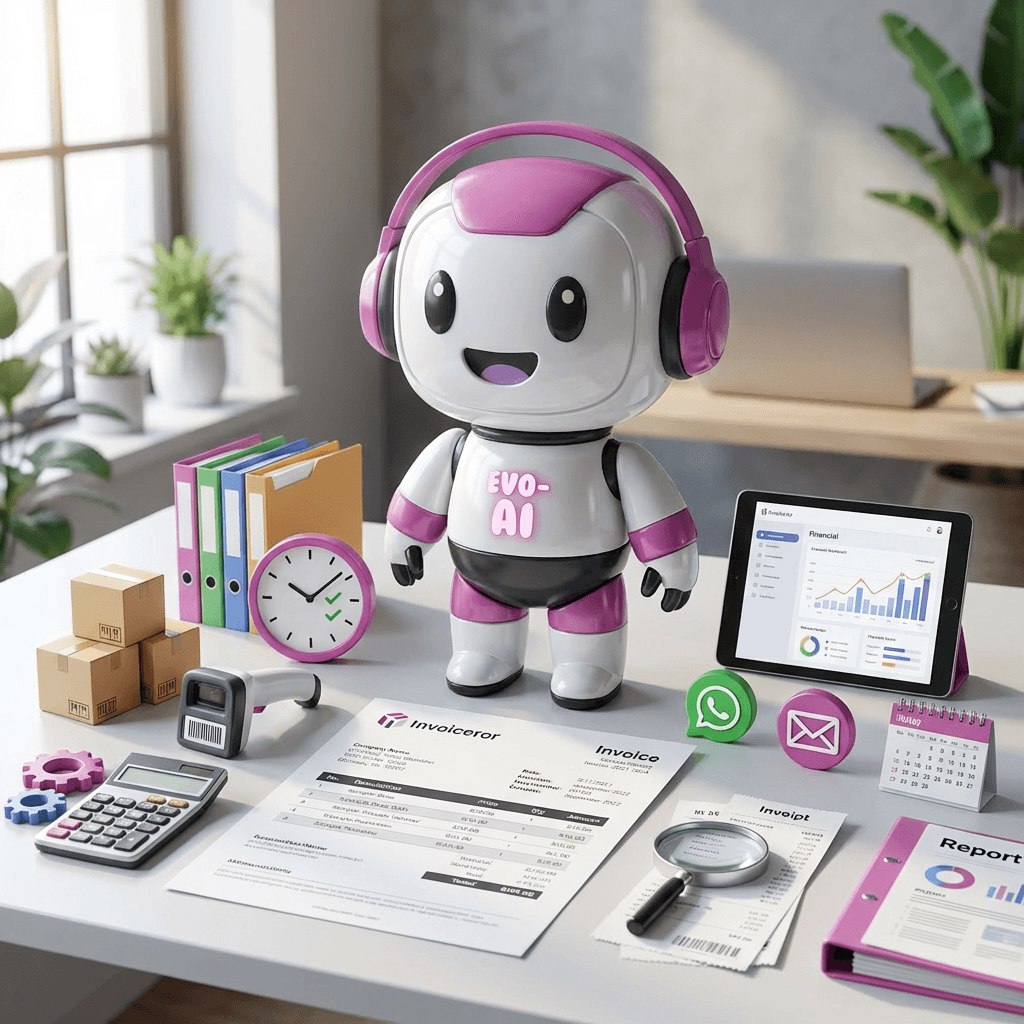
Running a business means making decisions every day. Evo-AI is built to guide you with real-time insights of your customers details, not guesses. With Evo-AI, your customer in one place and secure. ask AI to add and update whoever new customer on-board.
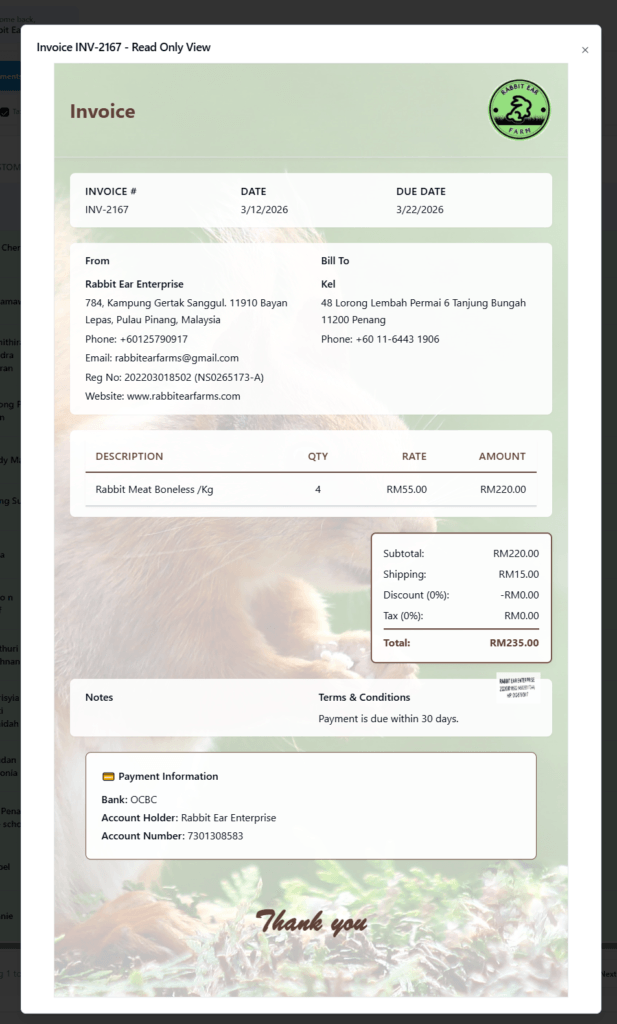
Delivering invoices quickly to customers is crucial for getting paid faster. The Invoiceror invoicing platform provides multiple ways to send invoices directly to clients. You can deliver invoices via:
Download PDF
These delivery options are available in two locations within the platform:
After creating an invoice (bottom action bar)
Inside the Documents → Invoice action menu
This will guide you step-by-step on how to send invoices to customers using these delivery methods.
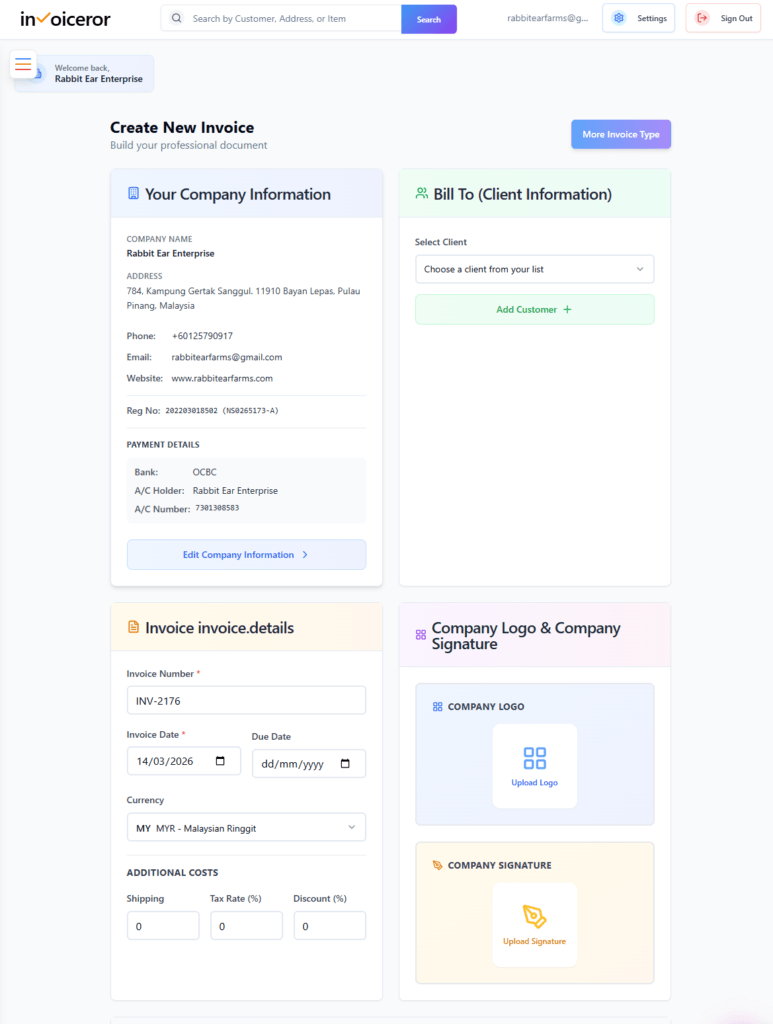
First, create or open an existing invoice.
Login to your Invoiceror dashboard
Click Create Invoice
Fill in the required details:
Customer information
Invoice number
Date and due date
Products or services
Quantity and price
Review the total invoice amount.
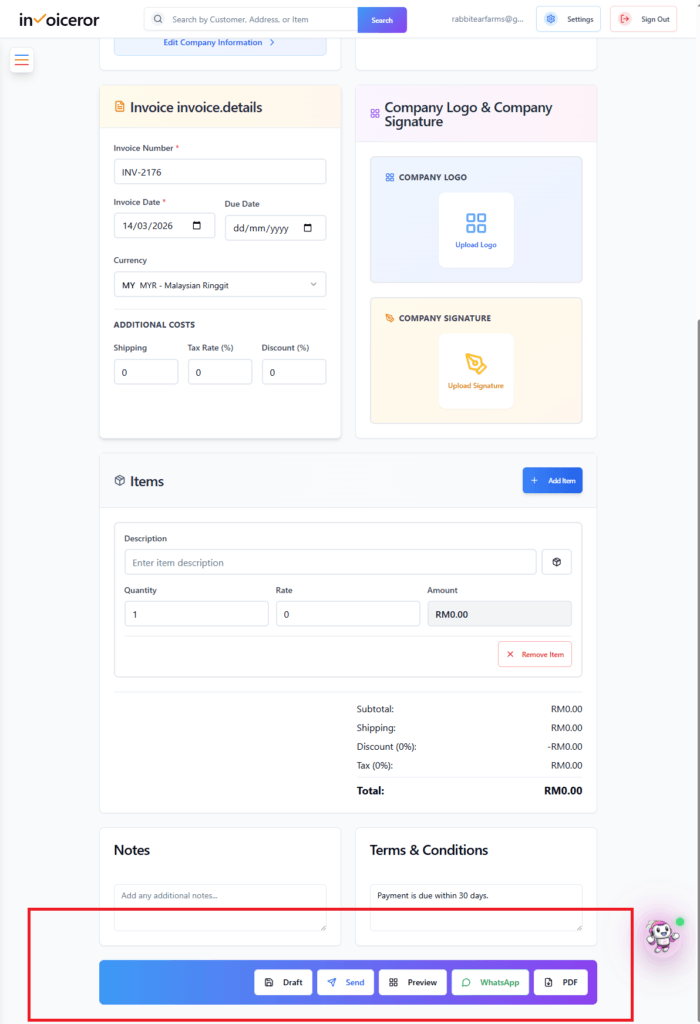
Once your invoice is ready, scroll to the bottom action panel.

At the bottom of the invoice page, you will see the invoice action bar.
Available buttons include:
Draft
Send
Preview
PDF Download
These options allow you to deliver invoices directly to customers using different communication methods.
One of the most common ways to send invoices is through email delivery.
Click Send
The system prepares the invoice email
The invoice PDF is automatically attached
The email is sent to the customer’s registered email address
Benefits of sending invoices via email:
Email invoices are ideal for corporate clients and professional business transactions.

For faster communication, you can send invoices directly through WhatsApp.
Click the WhatsApp button
The system generates the invoice message
The invoice link or document is attached
Send it directly to your customer’s WhatsApp number
Advantages of WhatsApp invoice delivery:
WhatsApp invoices are especially useful for local businesses, service providers, and freelancers.

If you need to manually send the invoice, you can download it as a PDF file.
Click PDF
The invoice will be generated as a PDF document
Save it to your computer
Send it via:
Messaging apps
File sharing
Downloading invoices is useful for:


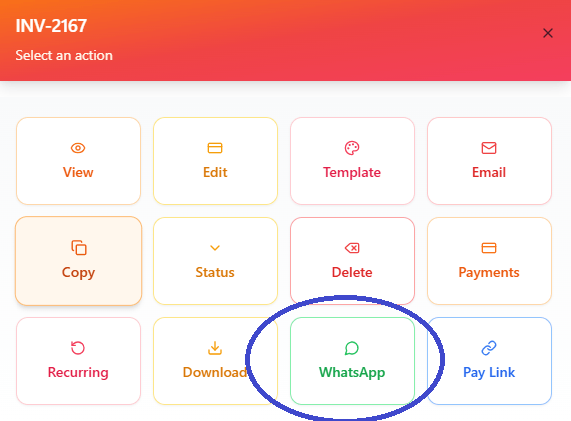
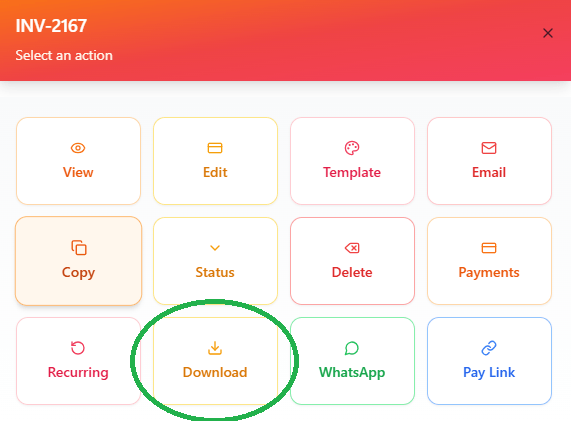
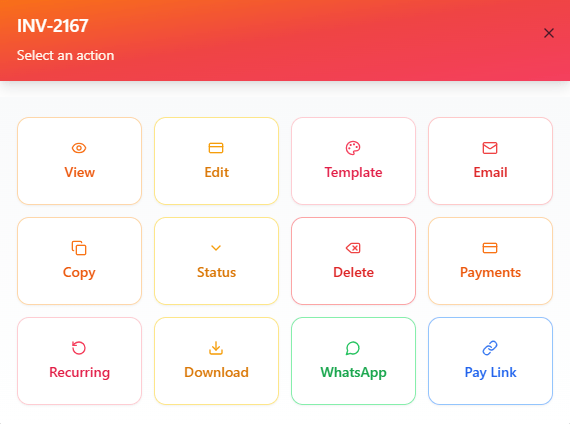
You can also send invoices from the Documents → Invoice list.
Go to Documents
Select the invoice you want
Click the invoice to open the Action Menu
Available actions include:
Download
Pay Link
Edit
Status Update
This allows you to resend invoices anytime without recreating them.
The Documents section allows you to quickly resend invoices if needed.
For example, if a customer requests another copy, simply:
Open Documents
Select the invoice
Choose your preferred delivery method:
Download PDF
This saves time and improves customer communication.
Using multiple invoice delivery methods helps businesses:
This makes Invoiceror a complete invoice delivery and payment tracking solution.
Following these practices improves cash flow and customer experience.
The Invoiceror invoicing system provides flexible invoice delivery options so businesses can send invoices through Email, WhatsApp, or downloadable PDF.
These options help ensure invoices reach customers quickly, improving the chances of faster payment and better financial management.
Whether you’re a freelancer, entrepreneur, or small business owner, these tools simplify invoice communication and streamline your billing process.
Stay in Control of Your Inventory with Real-Time Updates
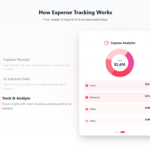
Track Every Expense Automatically Without Spreadsheets with AI Receipt Scanning

Create Professional Invoices in Seconds with Smart Invoice Creation

How Evo-AI Helps Small Businesses Make Smarter Decisions

Monitor Invoice Status Instantly with Color Coding

Get a Real-Time View of Your Business Finances Dashboard

How to Use the Task Tracker in Invoiceror (Step-by-Step Guide)

How to Use the Daily Activity Tracker in Invoiceror (Step-by-Step Guide)

How to Manage Invoices in the Documents Section of Invoiceror (Complete Step-by-Step Guide)

How the Invoice Color Status System Works in Invoiceror (Step-by-Step Guide)keep up out latest update Subscribe our newsletter!

© 2025 All Rights Reserved app.invoiceror.com
Get in touch with our support team. We're available via email or WhatsApp to help you with any questions.
Send us an email and we'll get back to you within 24 hours on business days.
Chat with us directly on WhatsApp for quick responses and real-time support.