





Tutorials and feature updates

Tutorials Step-by-Step Tutorials & Video GuidesLearn How to Use Invoiceror

Tutorial Blogs

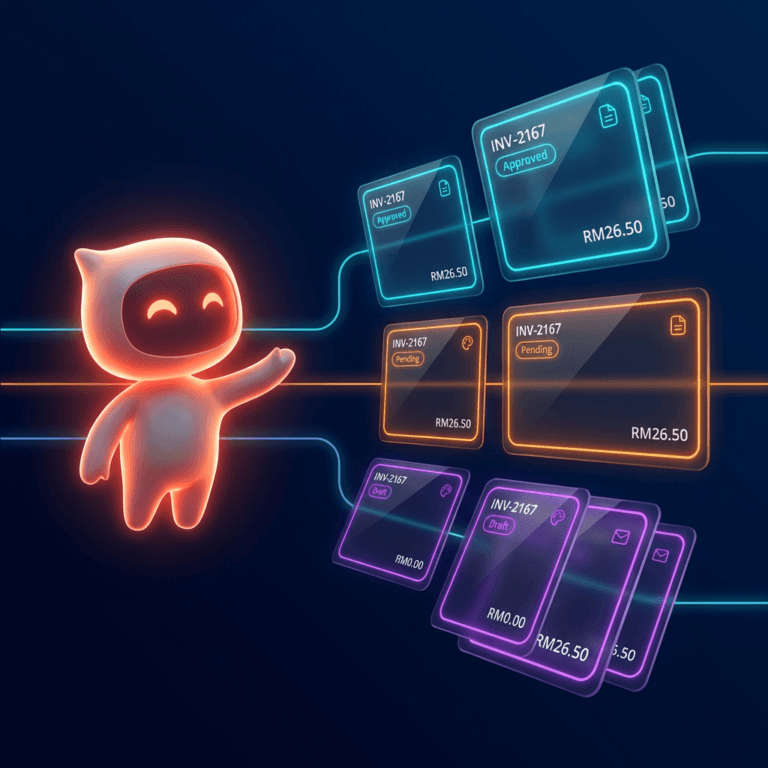
How the Invoice Color Status System Works in Invoiceror (Step-by-Step Guide)

Blog Published: March 17, 2026 How the Invoice Color Status System Works in Invoiceror (Step-by-Step Guide) Book your demo today. Running a business means making decisions every day. Evo-AI is built...

How to Send Invoices to Customers via WhatsApp, Email, or Download in Invoiceror

Blog Published: March 17, 2026 How to Send Invoices to Customers via WhatsApp, Email, or Download in Invoiceror Book your demo today. Running a business means making decisions every day. Evo-AI is...

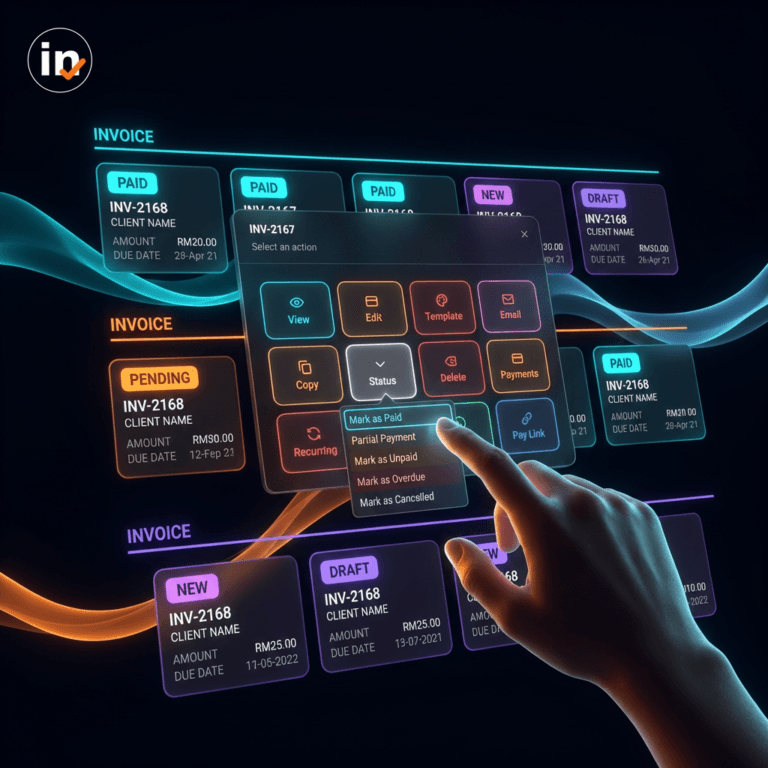
How to Manage Invoices in the Documents Section of Invoiceror (Complete Step-by-Step Guide)

Blog Published: March 15, 2026 How to Manage Invoices in the Documents Section of Invoiceror (Complete Step-by-Step Guide) Book your demo today. Running a business means making decisions every day...

How to Use the Daily Activity Tracker in Invoiceror (Step-by-Step Guide)

Blog Published: March 14, 2026 How to Use the Daily Activity Tracker in Invoiceror (Step-by-Step Guide) Book your demo today. Running a business means making decisions every day. Evo-AI is built to...

How to Use the Task Tracker in Invoiceror (Step-by-Step Guide)

Blog Published: March 14, 2026 How to Use the Task Tracker in Invoiceror (Step-by-Step Guide) Book your demo today. Running a business means making decisions every day. Evo-AI is built to guide you...

How to Add Business Expenses and Scan Receipts in Invoiceror (Step-by-Step Guide)

Blog Published: March 14, 2026 How to Add Business Expenses and Scan Receipts in Invoiceror (Step-by-Step Guide) Book your demo today. Running a business means making decisions every day. Evo-AI is...

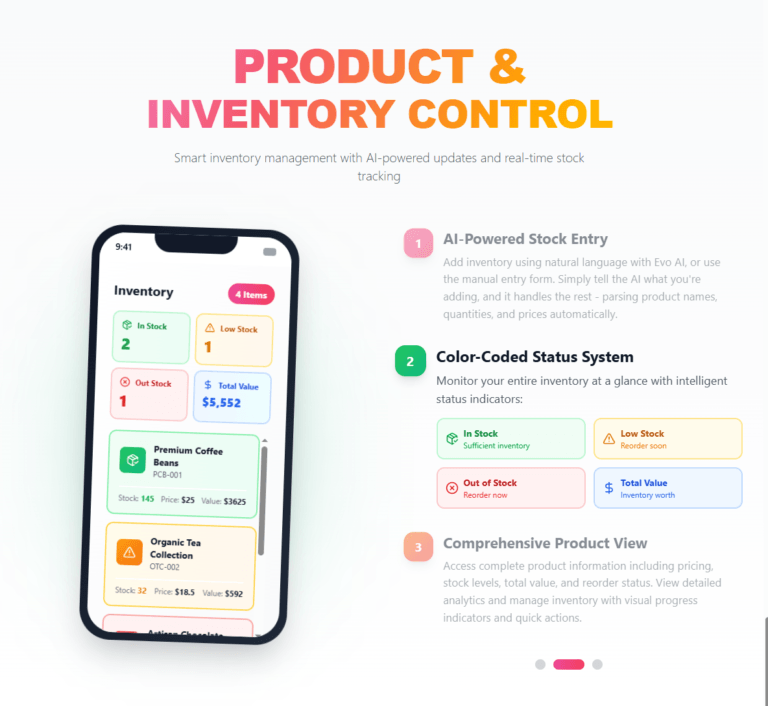
How to Add Products, Inventory, and Services in Invoiceror (Step-by-Step Guide)

Blog Published: March 14, 2026 How to Add Products, Inventory, and Services in Invoiceror (Step-by-Step Guide) Book your demo today. Running a business means making decisions every day. Evo-AI is...

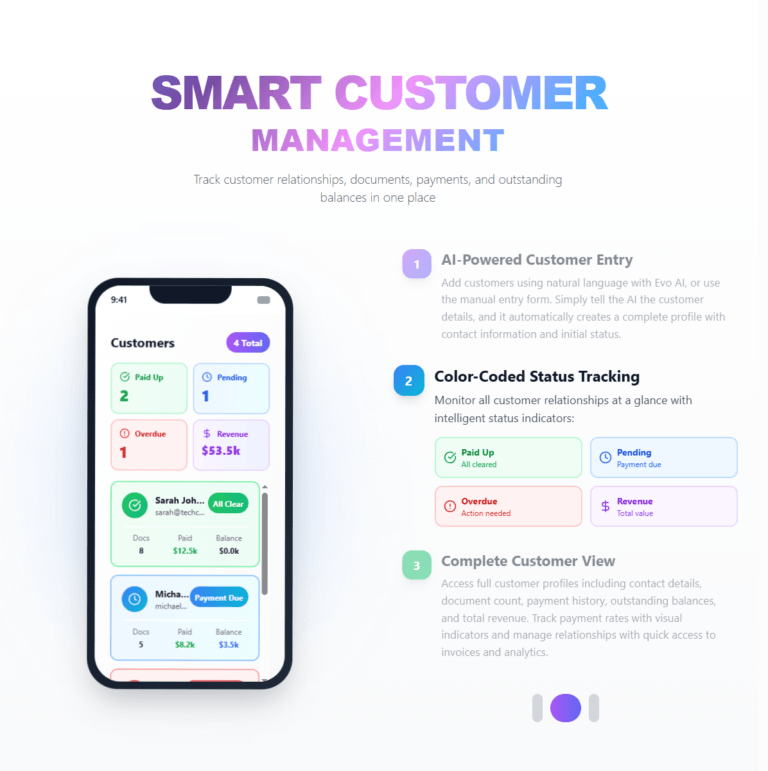
How to Add Customers or Clients in Invoiceror (Step-by-Step Guide)

Blog Published: March 14, 2026 How to Add Customers or Clients in Invoiceror (Step-by-Step Guide) Book your demo today. Running a business means making decisions every day. Evo-AI is built to guide...

How to Create an Invoice in Invoiceror (Step-by-Step Tutorial)

Blog Published: March 14, 2026 How to Create an Invoice in Invoiceror (Step-by-Step Tutorial) Book your demo today. Running a business means making decisions every day. Evo-AI is built to guide you...

How to Use Evo-AI Business Assistant in Invoiceror (Complete Tutorial)

Blog Published: March 19, 2026 How to Use Evo-AI Business Assistant in Invoiceror (Complete Tutorial) Book your demo today. Running a business means making decisions every day. Evo-AI is built to...

How to Use the Dashboard in Invoiceror (Complete Tutorial Guide)

Blog Published: March 19, 2026 How to Use the Dashboard in Invoiceror (Complete Tutorial Guide) Book your demo today. Running a business means making decisions every day. Evo-AI is built to guide you...

How to Set Up Your Account Settings in Invoiceror (Step-by-Step Guide After Sign-Up)

Blog Published: March 18, 2026 How to Set Up Your Account Settings in Invoiceror (Step-by-Step Guide After Sign-Up) Book your demo today. Running a business means making decisions every day. Evo-AI is...

You asked, we answered.

You needed better insights, we gave you smarter data & clearer visual reports

How does the free trial work?

Start free—no credit card required. Explore the dashboard, invoicing, templates, customers, inventory, expenses, reports, task & time tracking, and Evo-AI. You’ll only be charged if you upgrade. You can cancel anytime.

Nothing is auto-billed. Keep your data and PDF exports. Upgrade to continue using premium features like recurring invoices and advanced exports when you’re ready.

Yes. There are no long-term contracts. Cancel anytime and your plan ends at the close of the billing cycle.

Connect Stripe for secure payments. Your clients can pay by card (and Apple Pay/Google Pay if enabled in Stripe). Payments update your invoice status automatically.

Yes. Share invoices via email, secure public link, PDF download, or open WhatsApp with pre-filled details—whatever your client prefers.

Create Invoice, Tax Invoice, Proforma Invoice, Receipt, Quote, and Credit Note—with shipping, tax, and discounts.

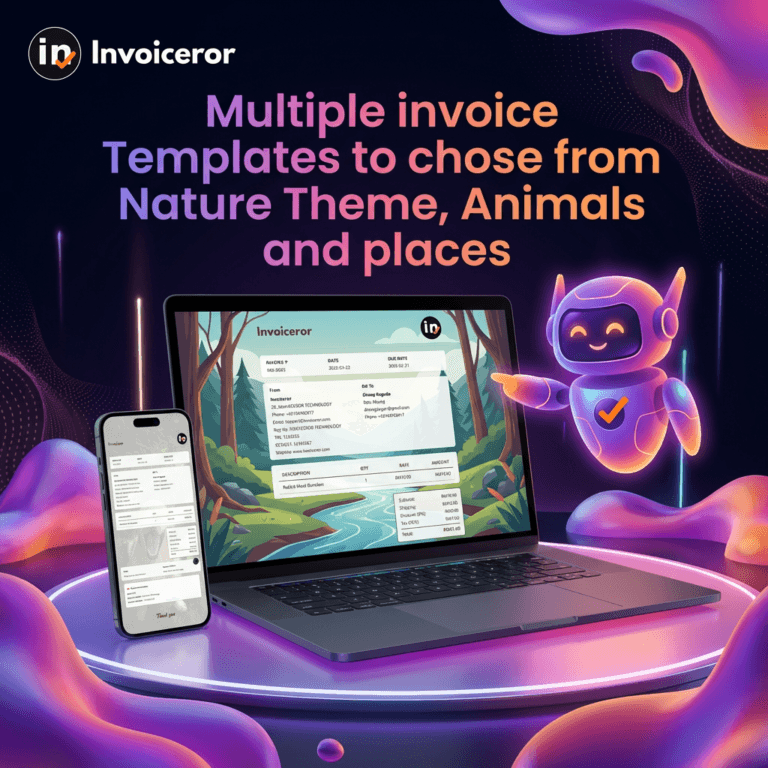
Yes—50+ professional templates (nature, animals, ocean views, cultures). Swap styles anytime to match your brand.

Yes. Add products with price & quantity. See color-coded badges for In Stock, Low Stock, Out of Stock at a glance.

Upload receipts and let AI extract dates, vendors, and amounts—up to 10 receipts at a time. No manual key-in.

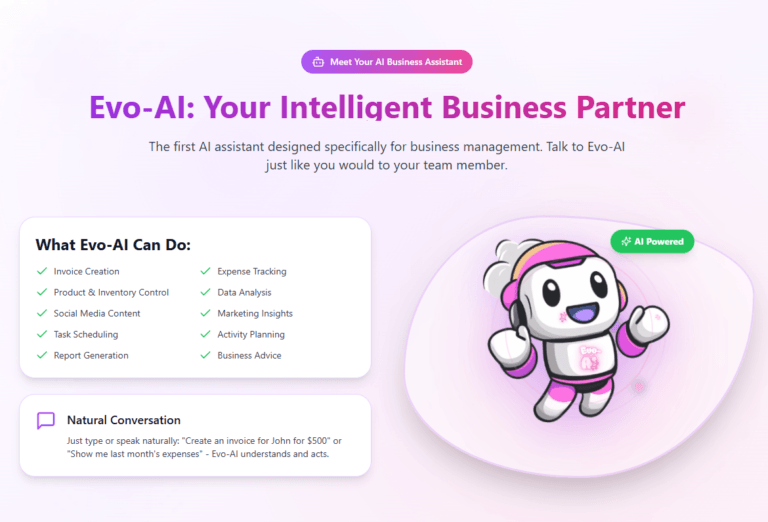
Evo-AI helps with creating invoices, organizing customers & products, drafting messages & emails for you marketing, and analyzing sales/expenses, create content posting to your social platforms—so you spend less time on admin.

Yes. Plan work on a Task Tracker (To-Do / In-Progress / Completed) and log work with the Time Tracker & Daily Tracker.

Yes. Automate repeat billing with schedules you control, then track renewals and payments easily.

Yes. Monitor sales performance and export to Excel or PDF for accounting and sharing.

Yes. Create invoices in different currencies and add tax per item or per invoice.

We use secure authentication and encrypted connections. Payments are processed by Stripe using industry-standard security.

If you need team access, contact us—we’ll help set it up for your workspace and share best practices for roles and permissions.

We're Here to Help You

Get in touch with our support team. We're available via email or WhatsApp to help you with any questions.

WhatsApp Support

Chat with us directly on WhatsApp for quick responses and real-time support.

+60172438082
  • Instant messaging support
  • Quick questions and assistance
  • Share screenshots easily
Start WhatsApp Chat