
March 19, 2026
Running a business means making decisions every day. Evo-AI is built to guide you with real-time insights of your customers details, not guesses. With Evo-AI, your customer in one place and secure. ask AI to add and update whoever new customer on-board.
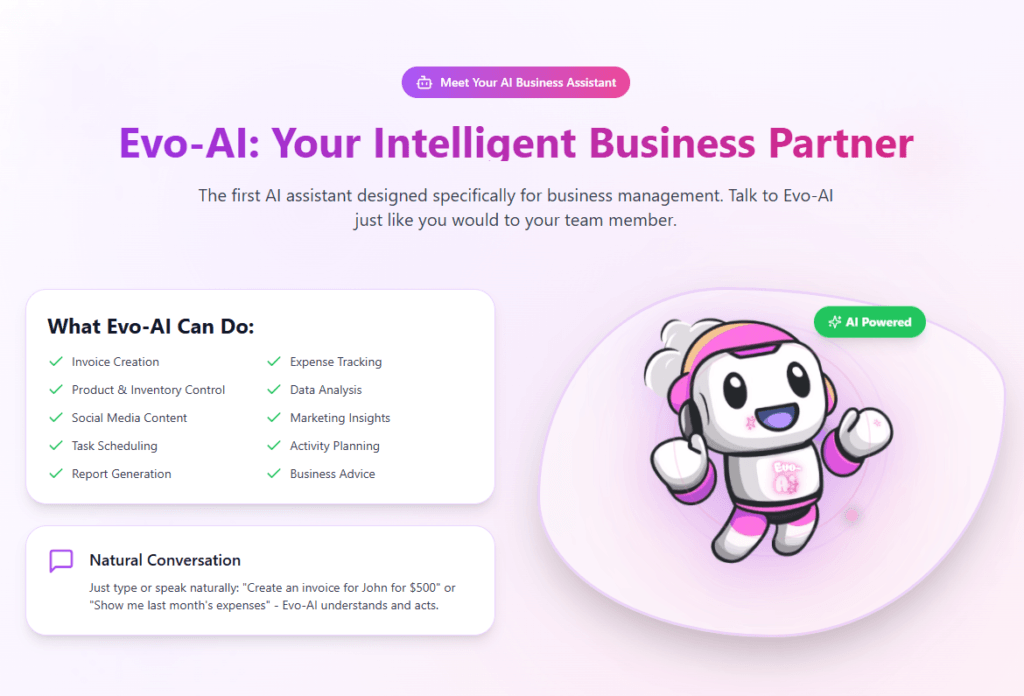
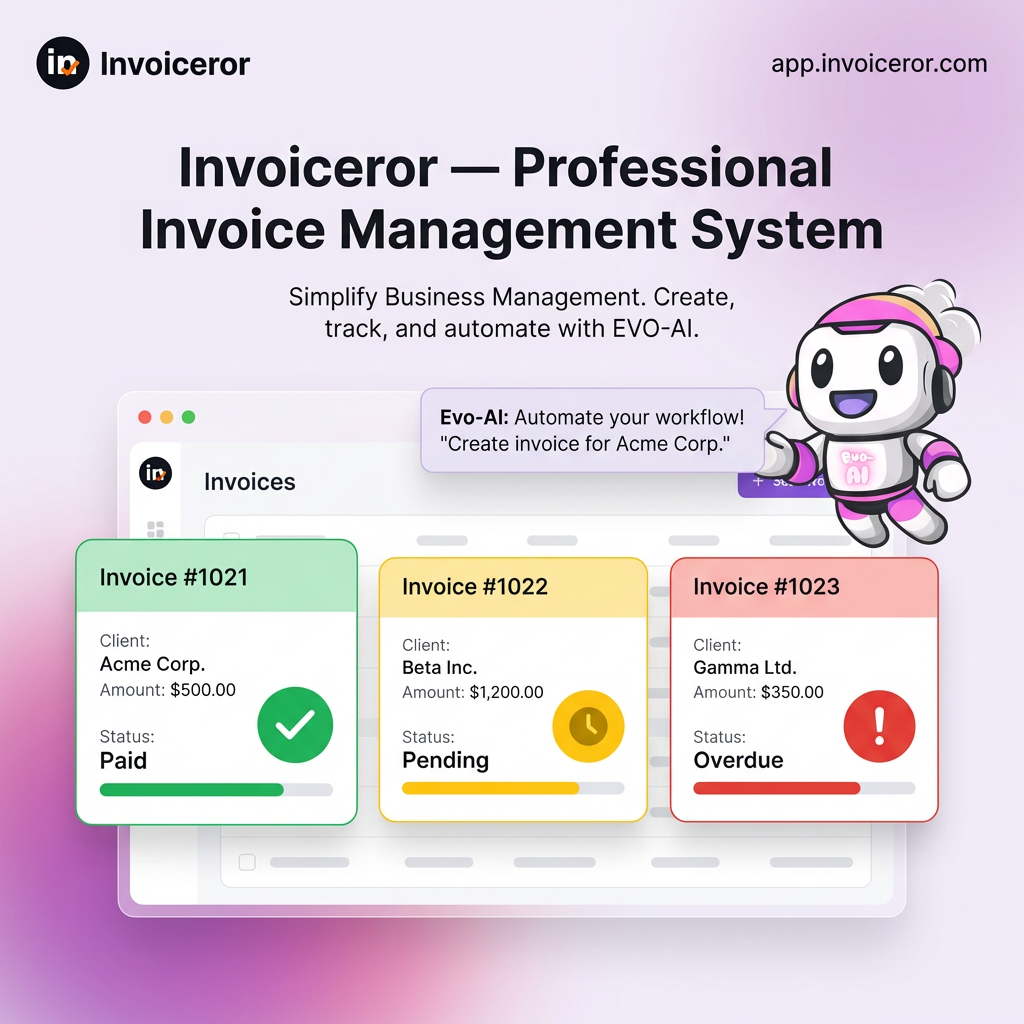
The Evo-AI Business Assistant in Invoiceror is an intelligent AI tool designed to help business owners automate tasks, analyze business data, and manage daily operations more efficiently.
With Evo-AI, you can quickly create invoices, track expenses, manage customers, generate reports, and even create social media content — all through a simple AI conversation.
This tutorial will guide you through how to start using Evo-AI and configure its permissions.
To begin:
Log in to your Invoiceror account
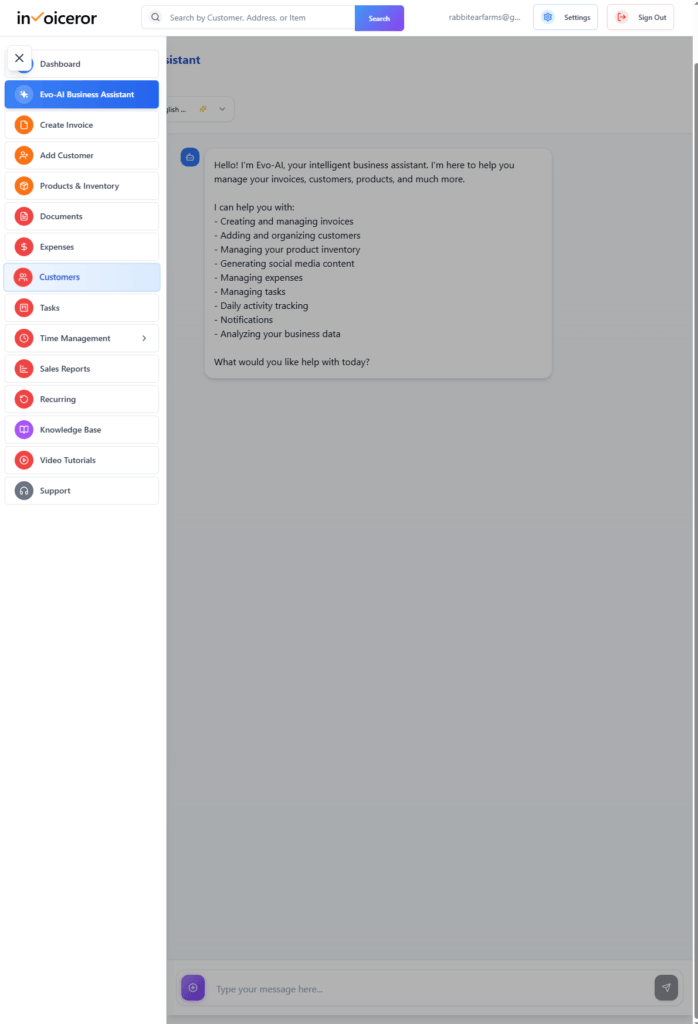
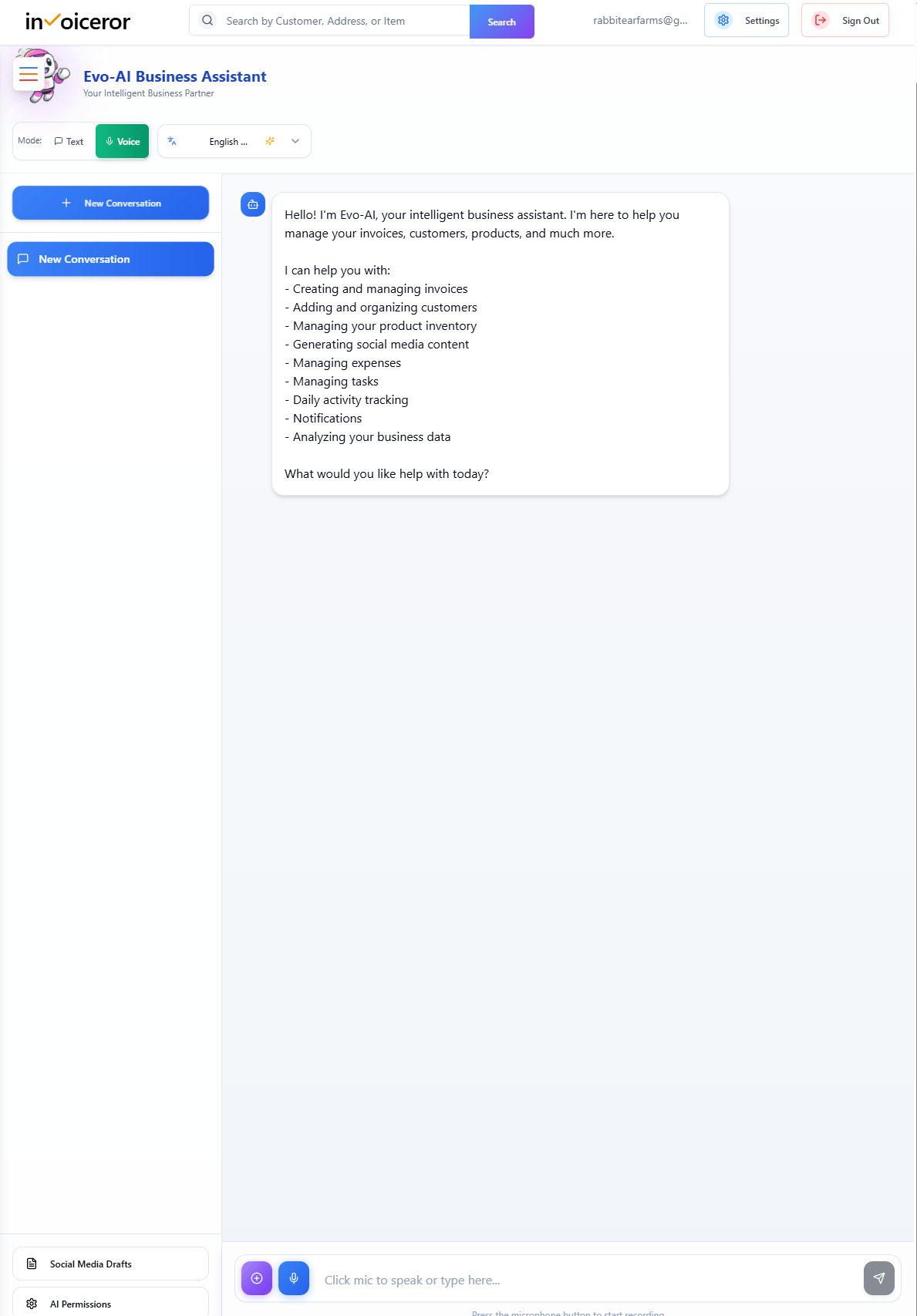
Click Evo-AI Business Assistant from the left sidebar
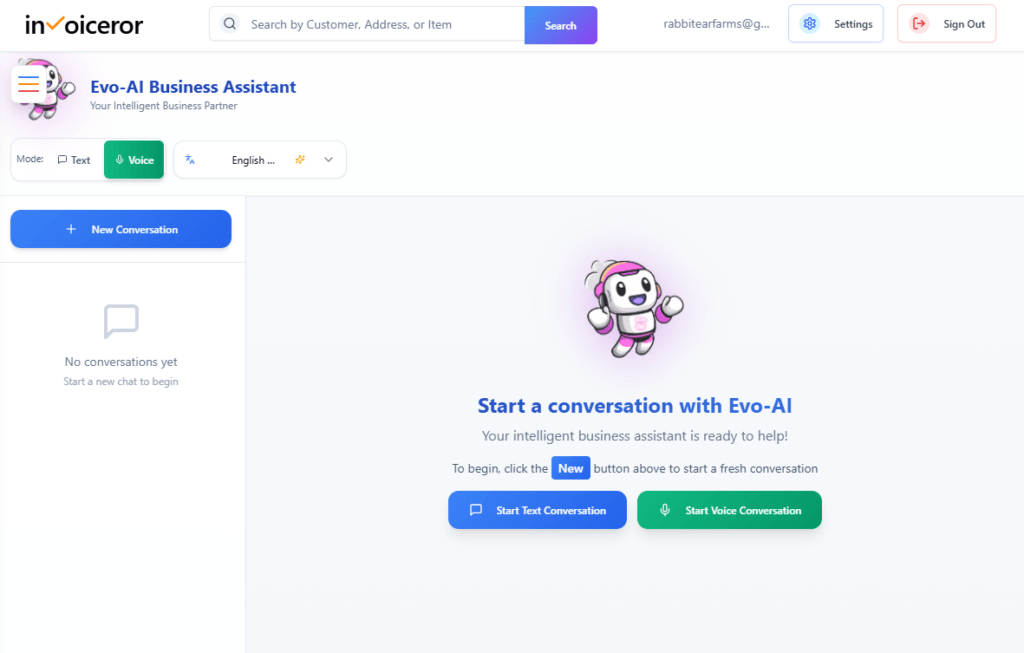
You will land on the AI assistant dashboard
Here, you can start interacting with Evo-AI using text or voice.
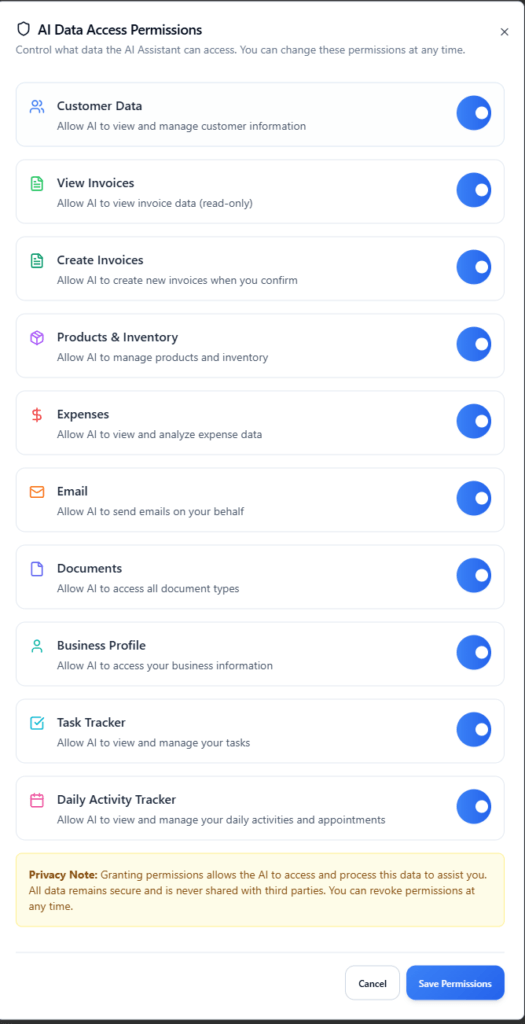
Before using Evo-AI fully, configure what data it can access.
Click AI Permissions
Enable access for the features you want:
Customer Data
View Invoices
Create Invoices
Products & Inventory
Expenses
Documents
Business Profile
Task Tracker
Daily Activity Tracker
Click Save Permissions
🔒 This ensures your data is secure while allowing AI automation.
You can interact with Evo-AI in two ways:
Click New Conversation
Type your request in the message box
When you select Voice Mode:
A microphone icon appears next to the typing box
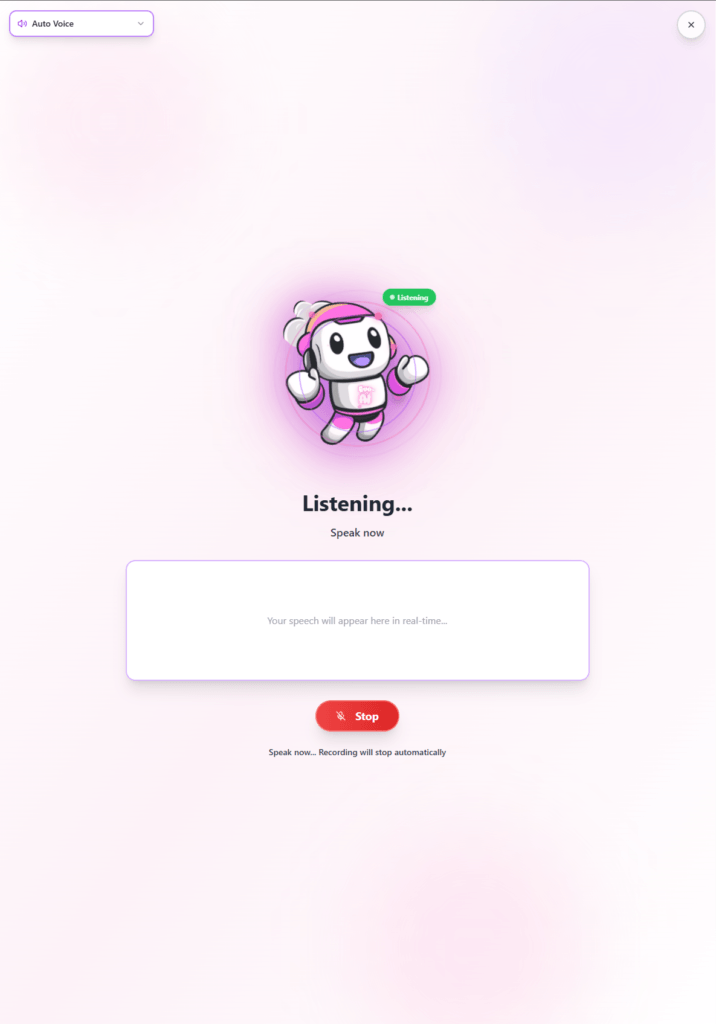
Click the microphone to start recording
The Evo-AI Voice Window will appear
It will show “Listening…”
Speak your command
AI processes your request in real-time
💡 Recording will stop automatically or you can press Stop
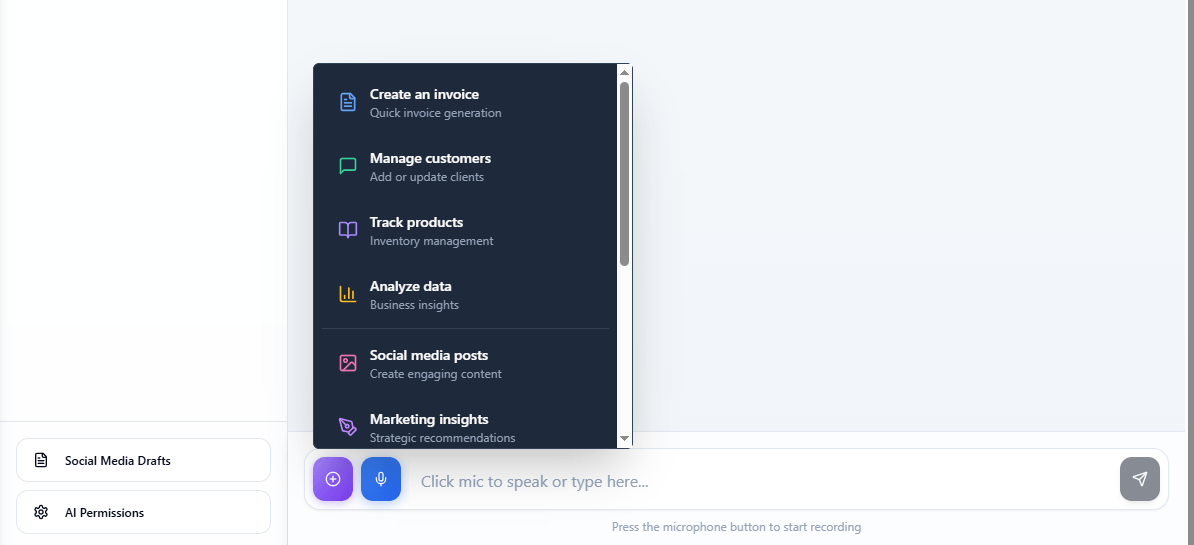
Click the “+” (Quick Actions) button to access AI-powered features.
Create invoices
Manage customers
Track products & inventory
Analyze business data
Generate social media posts
Marketing insights
Track expenses
Task tracker
Daily activity tracker
Generate reports

When you select a feature or speak a command:
Evo-AI opens the voice interaction window
Displays Listening…
Captures your speech input
Converts it into actions
Executes based on selected capability
“Create an invoice for John, RM500”
“Show unpaid invoices”
“Track my expenses this month”
“Generate a sales report”
💡 The AI understands context based on the selected feature.


Evo-AI adapts its behavior depending on what you choose:
AI generates invoice drafts
Auto-fills customer & product data
Add or update customer details
Monitor stock levels
Update inventory
Provide revenue insights
Show performance trends
Create captions and content
Optimize for marketing
Suggest strategies
Analyze engagement
Log and categorize expenses
Provide summaries
Create and manage tasks
Update progress
Schedule activities
Set reminders
Create financial or business reports
Export insights

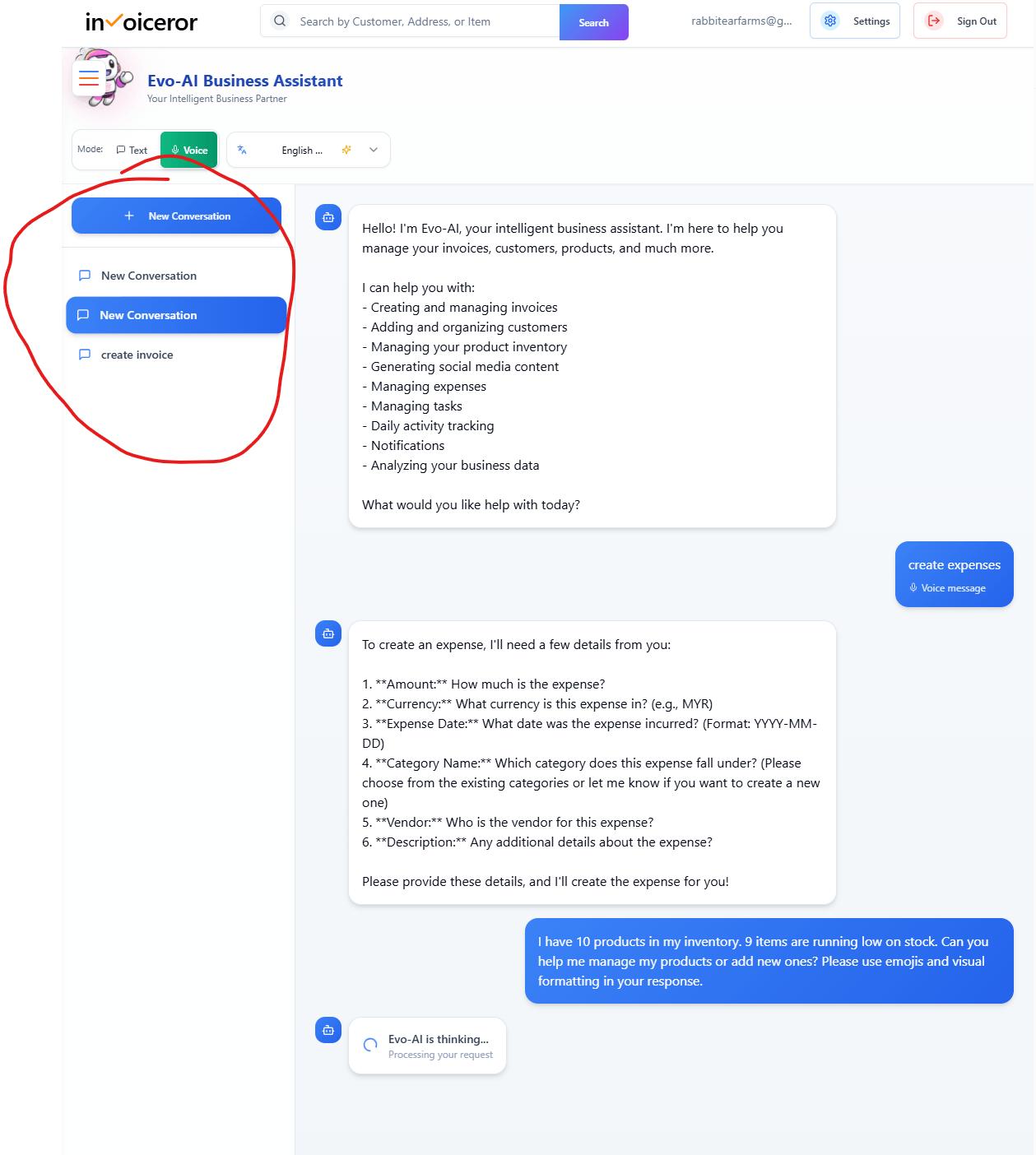
You can:
Start multiple conversations
Revisit previous chats
Continue unfinished tasks
This ensures a smooth and organized workflow.

Using Invoiceror Evo-AI helps you:

To get the best results:
This allows the AI assistant to provide more accurate and useful responses.
✅ Pro Tip:
Use Evo-AI daily to analyze your business performance and automate routine work so you can focus on growing your business.

The Evo-AI Business Assistant Dashboard is not just a chatbot—it’s a complete AI-powered business control center. With both text and voice capabilities, you can run your business faster, smarter, and more efficiently.
Stay in Control of Your Inventory with Real-Time Updates

Track Every Expense Automatically Without Spreadsheets with AI Receipt Scanning

Create Professional Invoices in Seconds with Smart Invoice Creation

How Evo-AI Helps Small Businesses Make Smarter Decisions

Monitor Invoice Status Instantly with Color Coding

Get a Real-Time View of Your Business Finances Dashboard

How to Use the Daily Activity Tracker in Invoiceror (Step-by-Step Guide)

How to Manage Invoices in the Documents Section of Invoiceror (Complete Step-by-Step Guide)

How to Send Invoices to Customers via WhatsApp, Email, or Download in Invoiceror

How the Invoice Color Status System Works in Invoiceror (Step-by-Step Guide)keep up out latest update Subscribe our newsletter!

© 2025 All Rights Reserved app.invoiceror.com
Get in touch with our support team. We're available via email or WhatsApp to help you with any questions.
Send us an email and we'll get back to you within 24 hours on business days.
Chat with us directly on WhatsApp for quick responses and real-time support.