


Blog
Published:

Track Business Tasks Without Missing Deadlines

Book your demo today.

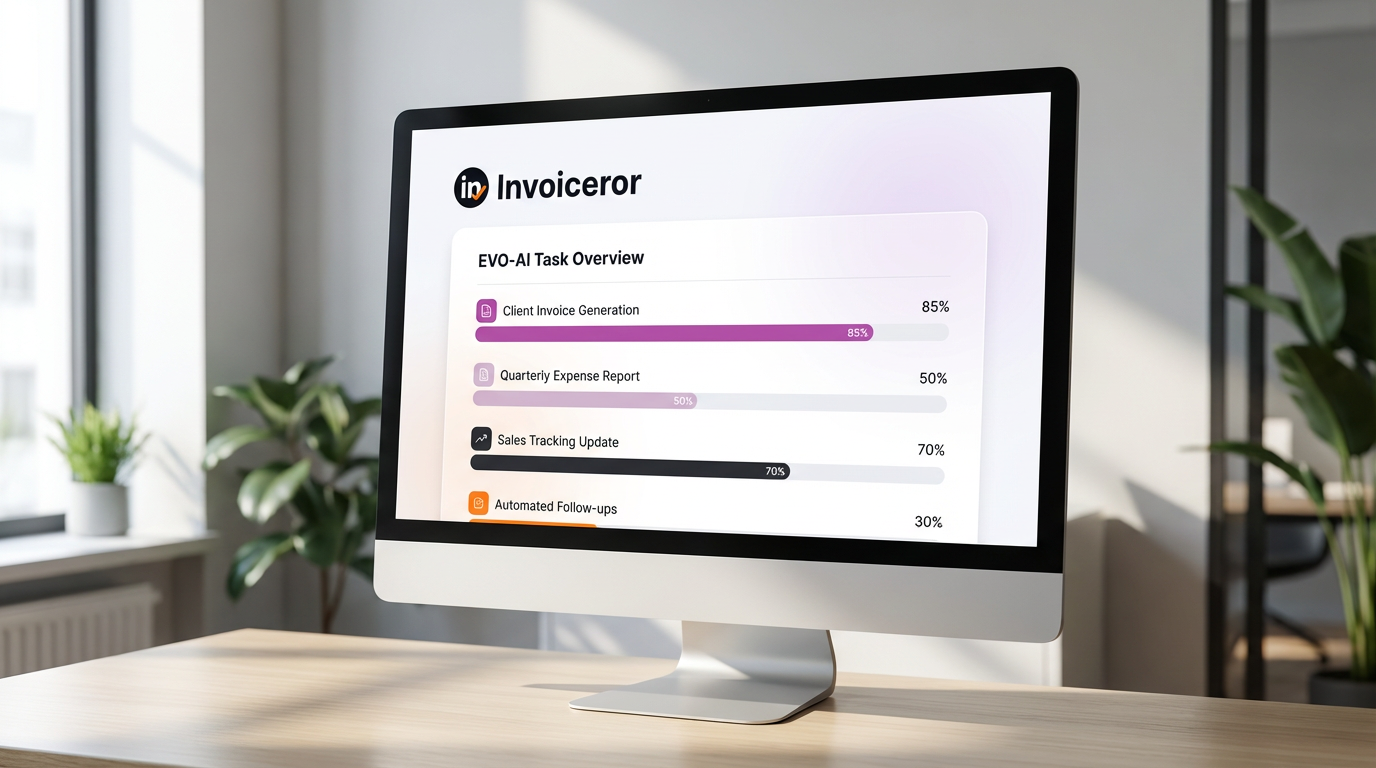
Running a business means making decisions every day. Evo-AI is built to guide you with real-time insights, not guesses. With Evo-AI, Your daily business task will be track easily. From  “Task to do, In progress, and completed”.

How to get notified on your daily task

1. Schedule tasks and get email notifications

     With app.invoiceror.com, you can schedule tasks and receive automatic email notifications so nothing slips through the cracks. These reminders help you stay on top of important deadlines, follow-ups, and meetings—reducing missed tasks and keeping your daily work organized.

2. Kanban task view based on priority

     Invoiceror uses a Kanban-style task board that lets you organize tasks by priority—Urgent, High, Medium, or Low. This visual system makes it easy to see what needs immediate attention, helping you focus on the most important work first without feeling overwhelmed.

3. Track task progress from start to completion

     You can easily follow the progress of every task by updating its status from “To Do” to “In Progress” and finally “Completed.” This clear task flow gives instant visibility into ongoing work and helps ensure tasks move forward without delays.

4. Improve team accountability

     Task tracking in Invoiceror improves accountability by clearly showing who is responsible for each task and its current status. Team members know what’s expected, managers can track progress easily, and everyone stays aligned toward shared goals.

5. Assign tasks to yourself, your team, or client meetings

     Invoiceror allows you to assign tasks to yourself, team members, or even tasks related to client meetings. This flexibility ensures follow-ups, discussions, and action items are captured and managed in one place—keeping collaboration simple and organized.

6. Monitor progress easily on every task

     With a clear overview of all tasks, deadlines, and statuses, Invoiceror makes it easy to monitor progress at a glance. This helps you spot delays early, adjust priorities quickly, and keep projects moving forward smoothly.

Smart Task Management with Automated Reminders and Progress Tracking

     Staying on top of business tasks is much easier when everything is organized in one place. With Smart Task Management on app.invoiceror.com, you can schedule tasks, receive automatic email reminders, and track progress from start to finish. The Kanban-style task board lets you prioritize work as Urgent, High, Medium, or Low, so you always know what needs attention first.


     Tasks can be assigned to yourself, your team members, or linked to client meetings, improving accountability and collaboration. With clear task statuses—To Do, In Progress, and Completed—you gain instant visibility into progress and deadlines. This helps teams work more efficiently, avoid missed tasks, and keep projects moving forward on time, all within one unified business management platform.

We're Here to Help You

Get in touch with our support team. We're available via email or WhatsApp to help you with any questions.

WhatsApp Support

Chat with us directly on WhatsApp for quick responses and real-time support.

+60172438082
  • Instant messaging support
  • Quick questions and assistance
  • Share screenshots easily
Start WhatsApp Chat