











About Us

Smart invoicing & simple business management for small businesses and freelancers

Helping you achieve more profit with scalable software.

Invoiceror helps you create professional invoices, get paid faster, and run your daily admin with AI—all in one clean, modern dashboard. Track sales, profit, revenue, and expenses, manage customers and inventory, and automate routine tasks so you can focus on growth.

Used by global powerhouses like

Component 6
Component 5
Component 2
Component 4
Component 3
Component 4

Built for small businesses & freelancers—so you get paid faster

Built for your day-to-day

businesses using invoiceror with AI

Clarity at a glance

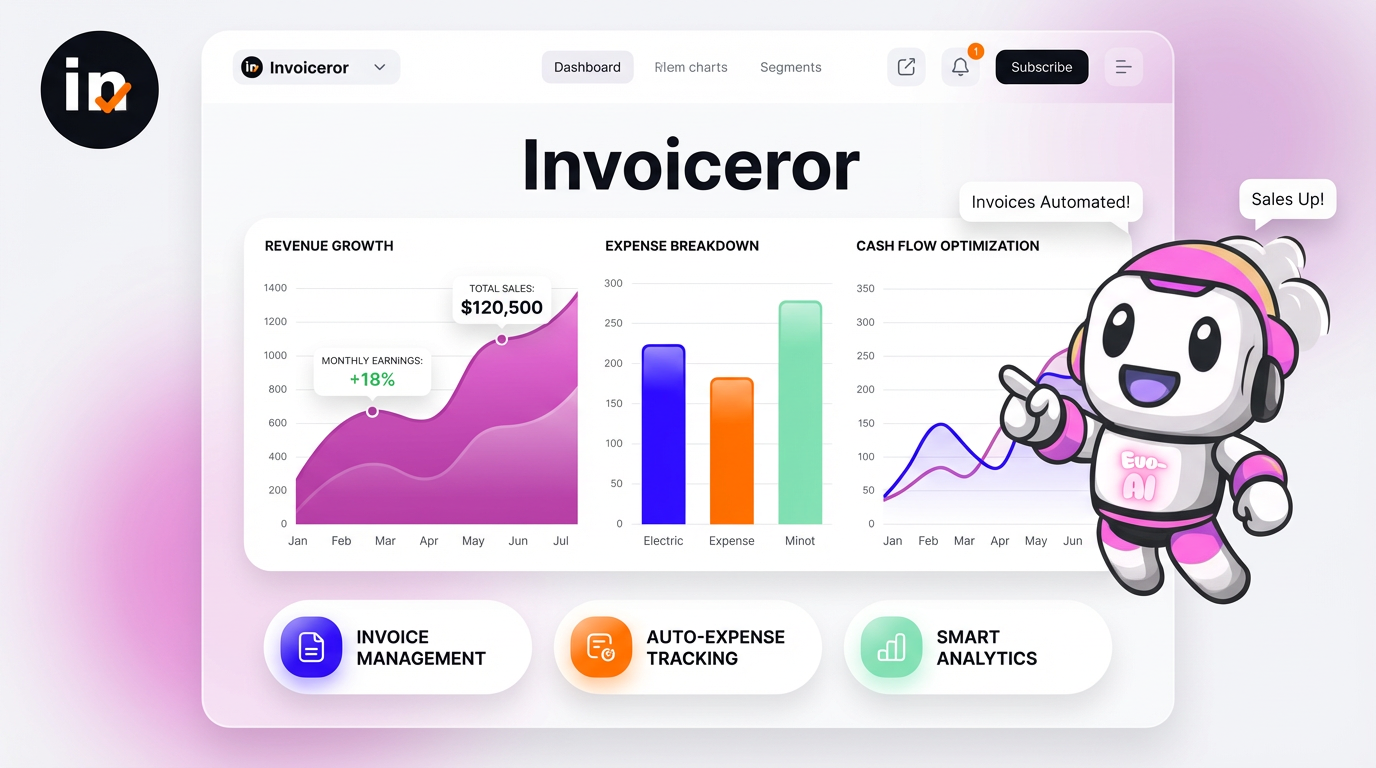
Your Financial Overview dashboard shows current month revenue, YTD, unpaid & overdue invoices, inventory value, and sales vs expenses—by month, week, quarter, or year.

Professional invoices in minutes

Create Invoice, Tax Invoice, Proforma, Receipt, Quote, and Credit Note with shipping, tax, discount, logo & signature.

Design that matches your brand

  • 50+ templates (nature, animals, ocean, cultures). Switch anytime.
  • Email, PDF download, or share via WhatsApp in one click.

Do more with Evo-AI

build invoice with AI

AI that removes busywork

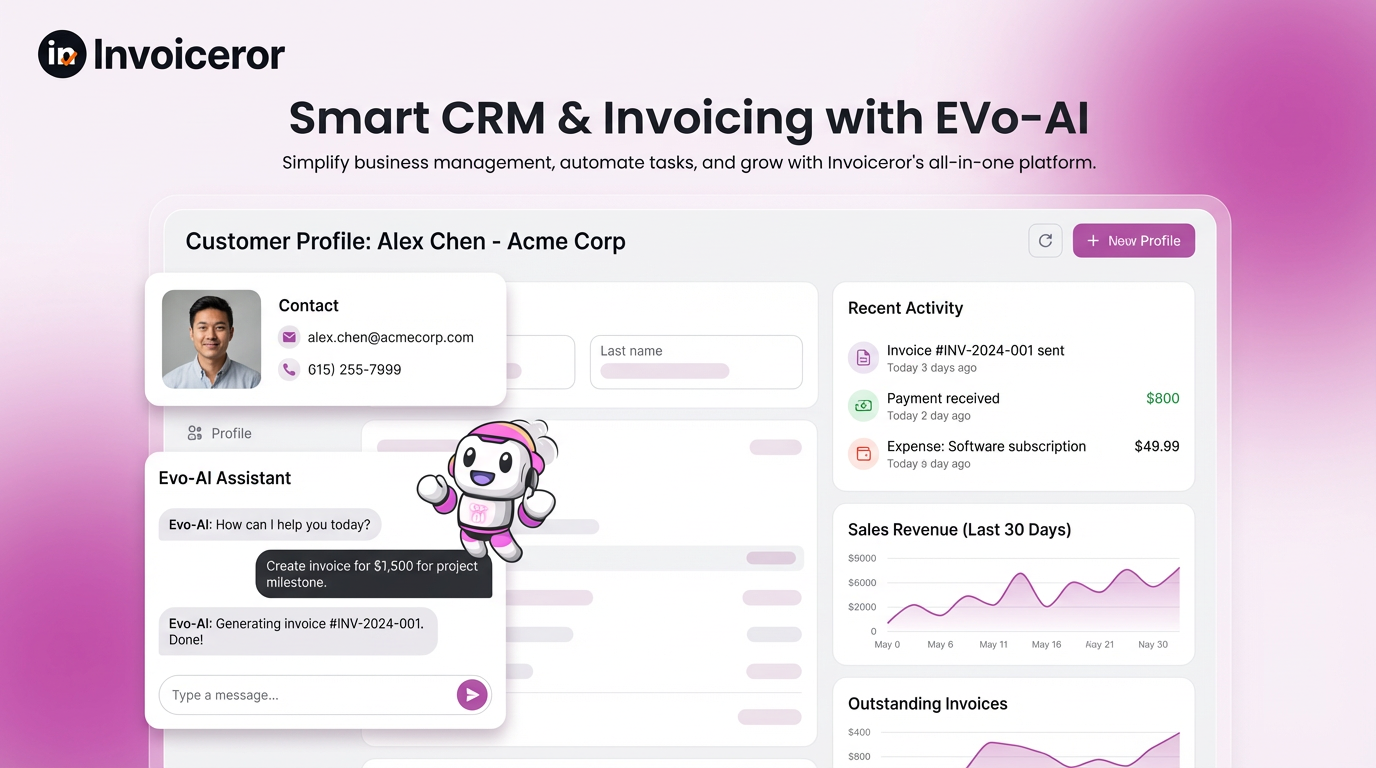
Evo-AI Business Assistant helps draft invoices, organize customers & products, and analyze business data.

Paperwork without pain

Upload receipts and let the AI Receipt Scanner extract details—up to 10 receipts at a time. No manual key-in.

Stay on top of work & time

Task Tracker (Kanban) for To-Do / In-Progress / Completed, plus Time Tracker & Daily Tracker to record work and hit deadlines.

Features

Features that run your business end to end

Financial Dashboard

Track sales, profit, revenue, expenses, and trends with one glance views by month/week/quarter/year.

Evo-AI Business Assistant

Offload admin tasks—draft invoices, organize data, and get quick insights without leaving your workflow.

Multi-Document Invoicing

Invoice, Tax Invoice, Proforma, Receipt, Quote, Credit Note with shipping, tax, and discounts.

50+ Invoice Templates

Designer styles (nature, animals, ocean views, cultures). Brand-ready, print-ready, client-ready.

Share & Send Fast

Email, secure link, PDF download, or open WhatsApp—get invoices to clients the way they prefer.

Invoice Status & Aging

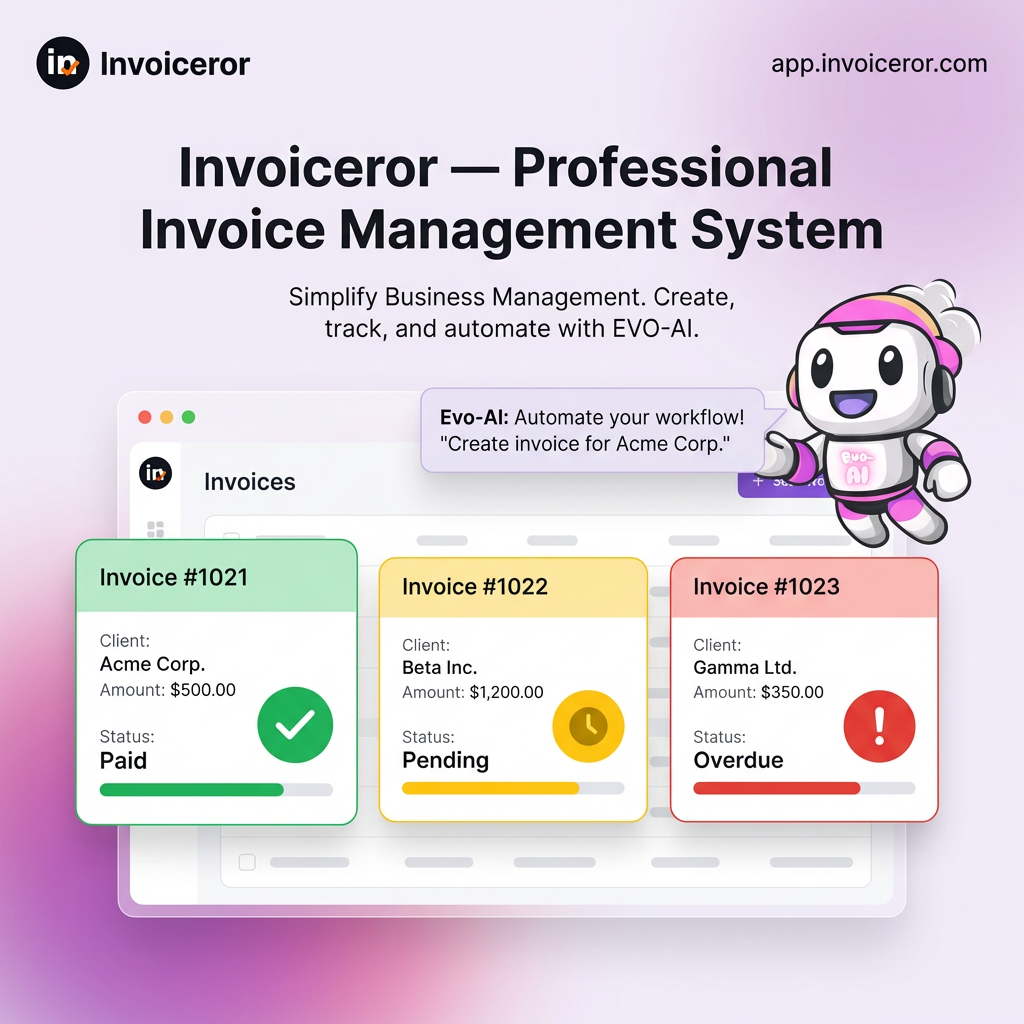
Instantly see Paid, Unpaid, Partially Paid, Overdue—and follow up confidently.

Products & Inventory

Add items with price & stock. Color-coded badges show In Stock, Low Stock, Out of Stock at a glance.

Customers (CRM-lite)

Save companies, contacts, addresses, and billing details for one-click invoicing.

There's More to help you day to day

AI Receipt Scanner (Batch)

Scan up to 10 receipts at once. AI extracts dates, vendors, and amounts automatically.

Expenses with Receipt Uploads

Attach receipts, categorize spend, and keep records audit-ready on tax purposes—no manual filing.

Task Tracker (Kanban)

Plan work with To-Do / In-Progress / Completed, set priorities & due dates, and keep projects moving.

Time Tracker & Daily Tracker

Record billable and non-billable time to improve productivity and accountability.

Sales Reports & Exports

Monitor performance and export to Excel or PDF for accounting and stakeholders.

Recurring Invoices

Automate repeat billing with schedules you control—no missed renewals.

Why Businesses ChooseInvoiceror

Why Businesses ChooseInvoiceror

How It Works Simple and easy

Why Businesses ChooseInvoiceror

invoiceror business makes easy

Professional by default

Clean UI + designer templates that make your brand look premium.

Faster cash flow

Clear invoices, status tracking, and instant sharing via email, link, or WhatsApp.

All-in-one

Invoicing, AI admin, inventory, expenses, tasks, time tracking, and reporting.

Effortless to use

Simple, organized, and lightning fast on desktop and mobile.

Secure & reliable

Best-practice authentication and encrypted connections.

Scales with you

From solo freelancers to growing teams.

How It Works Simple and easy

how to set up account with invoiceror

Set up your company

Add your logo, signature, taxes, and payment details.

Add customers & product

Save contacts and item lists for one-click invoicing.

Create & send

Pick a template, fill the invoice, then email, share a link, PDF, or WhatsApp.

Track & grow

Watch revenue, expenses, inventory, and tasks from your Financial Overview.

Our Story starts

How to create invoice easily and free

We started Invoiceror after building countless invoices for our own projects and clients. The tools we tried were slow, cluttered, or ugly. We wanted speed, polish, and trust in a single place—so we built it. Today, Invoiceror powers invoices for entrepreneurs and teams who value a clean interface, professional design, and faster cash flow.

You asked, we answered.

You needed better insights, we gave you smarter data & clearer visual reports

How does the free trial work?

Start free—no credit card required. Explore the dashboard, invoicing, templates, customers, inventory, expenses, reports, task & time tracking, and Evo-AI. You’ll only be charged if you upgrade. You can cancel anytime.

Nothing is auto-billed. Keep your data and PDF exports. Upgrade to continue using premium features like recurring invoices and advanced exports when you’re ready.

Yes. There are no long-term contracts. Cancel anytime and your plan ends at the close of the billing cycle.

Connect Stripe for secure payments. Your clients can pay by card (and Apple Pay/Google Pay if enabled in Stripe). Payments update your invoice status automatically.

Yes. Share invoices via email, secure public link, PDF download, or open WhatsApp with pre-filled details—whatever your client prefers.

Create Invoice, Tax Invoice, Proforma Invoice, Receipt, Quote, and Credit Note—with shipping, tax, and discounts.

Yes—50+ professional templates (nature, animals, ocean views, cultures). Swap styles anytime to match your brand.

Yes. Add products with price & quantity. See color-coded badges for In Stock, Low Stock, Out of Stock at a glance.

Upload receipts and let AI extract dates, vendors, and amounts—up to 10 receipts at a time. No manual key-in.

Evo-AI helps with creating invoices, organizing customers & products, drafting messages & emails for you marketing, and analyzing sales/expenses, create content posting to your social platforms—so you spend less time on admin.

Yes. Plan work on a Task Tracker (To-Do / In-Progress / Completed) and log work with the Time Tracker & Daily Tracker.

Yes. Automate repeat billing with schedules you control, then track renewals and payments easily.

Yes. Monitor sales performance and export to Excel or PDF for accounting and sharing.

Yes. Create invoices in different currencies and add tax per item or per invoice.

We use secure authentication and encrypted connections. Payments are processed by Stripe using industry-standard security.

If you need team access, contact us—we’ll help set it up for your workspace and share best practices for roles and permissions.

Blog & News

Latest Updates & Insights Blog.

Your go-to hub for SaaS updates, tech news, & practical growth-driven insights.

We're Here to Help You

Get in touch with our support team. We're available via email or WhatsApp to help you with any questions.

WhatsApp Support

Chat with us directly on WhatsApp for quick responses and real-time support.
+60172438082
  • Instant messaging support
  • Quick questions and assistance
  • Share screenshots easily
Start WhatsApp Chat